


Hidden Image Shadow Box (Lights On vs Off Effect Tutorial)
If you’ve been making my shadow boxes for awhile, you already know that adding lights isn’t anything new.
But these designs do something a little different…
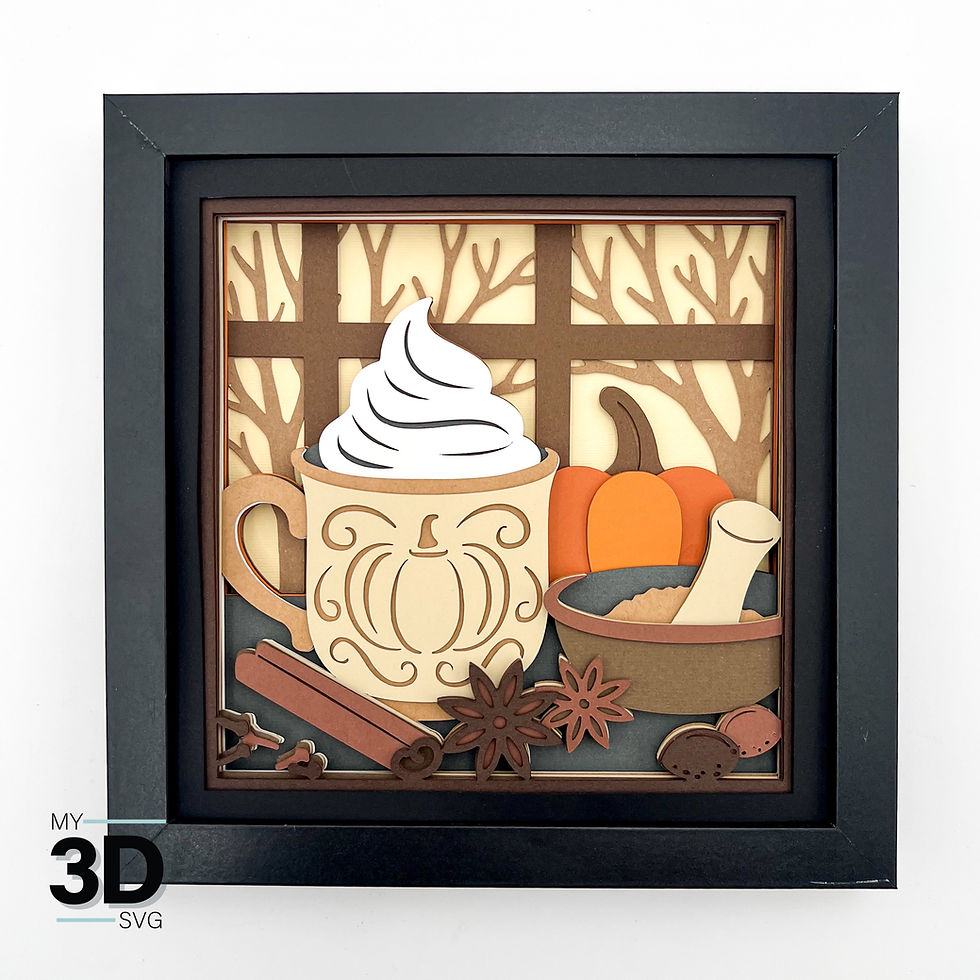
When the light is OFF, you see a clean, simple design.When the light is ON, a hidden image appears.
It’s such a fun surprise—and once you see how it works, it’s actually really simple to recreate.
In the tutorial video, I walk you through exactly how to assemble the shadow box, how the hidden effect works, and how to add the lighting. I’ve also linked all of the materials you’ll need for adding lights right here in the blog to make it easy to follow along.
The following materials are recommended for this project. This method was intentionally designed to be straightforward, frustration-free, and requires no soldering, making it approachable for a wide range of makers.
Safety Note:
This project uses low-voltage LED lighting. Always follow manufacturer guidelines for all electrical components. Inspect wiring before use and discontinue use if any damage is present.
IMPORTANT: Always match your power adapter voltage to your LED strip voltage. A 12V LED strip requires a 12V adapter, and a 24V LED strip requires a 24V adapter. Using the incorrect voltage may damage the LEDs and create a potential safety hazard.




Très bon article. Les tendances numériques sont bien présentées. Plus d’informations sont disponibles sur le site web. Cela permet d’approfondir.